I'm Don, the founder of WasteBolt, and when it comes to Digital Waste Tracking I'm both poacher and gamekeeper. We manage up to 70,000 tonnes of organic waste a year at our own site, and WasteBolt itself started life as something I built unselfishly for my own needs — because when I went looking for a viable option to handle DWT for a business like ours, I couldn't find one.
So this post is less a guide and more a set of honest notes on how it's actually going, running WasteBolt and DWT submission on our own weighbridge, day to day.
Why We Built What We Built
We run a GlobeWeigh weighbridge and weighbridge software, and from early on I knew I wanted "bridging software" to join the dots between the weighbridge and DWT rather than re-keying everything by hand. But I also knew our weighbridge CSV export didn't contain everything DWT needs — EWC codes, full compliance details and the rest simply aren't things a weighbridge ticket knows about. That gap is exactly why I built Import Templates: a way to map what the weighbridge gives you onto what DWT actually requires, once, rather than on every single load.
The other gap was on the process side. As a heavy user of season tickets myself, going through the motions of creating an individual WTN for every single load under a recurring arrangement never made sense operationally. That's why we built Dockets — a way to log each load against a season ticket in seconds, while every one of those loads still gets its own fully compliant DWT submission behind the scenes.
Both features exist because I needed them first, on our own site, before I ever thought about anyone else needing them.
Three Weeks on Gatehouse SQL Server Sync
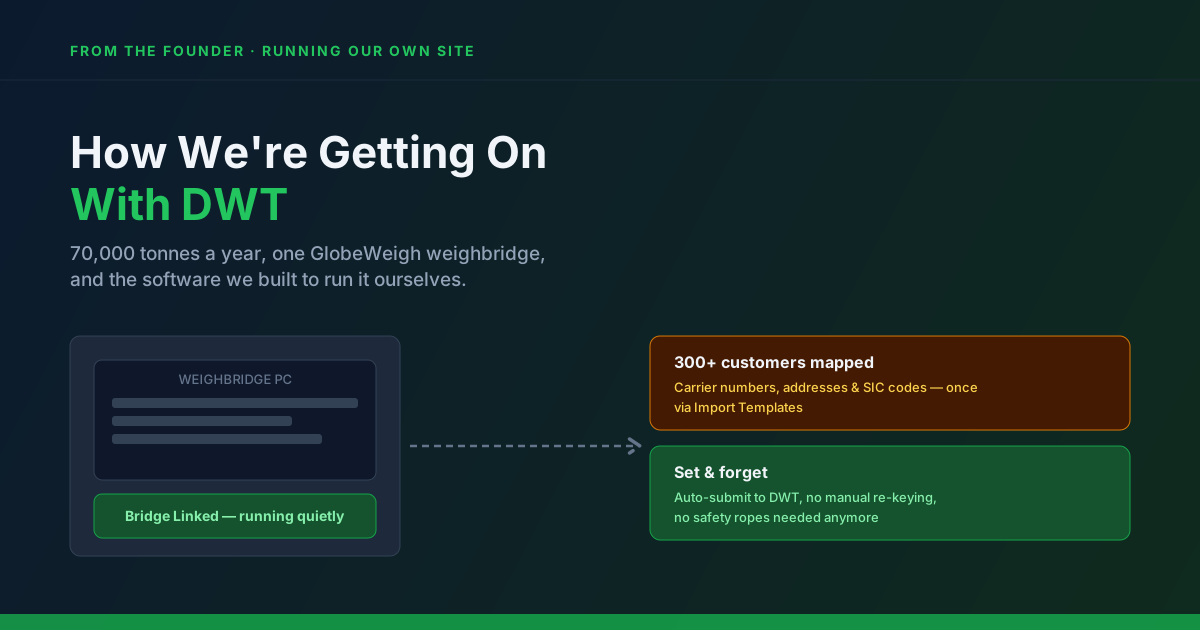
I've now been running WasteBolt Gatehouse SQL Server Sync — tapped directly into our weighbridge's existing SQL database — for three weeks. Honestly, it just sits there bubbling away in the background on the weighbridge PC. We let it run quietly for the first week with the safety ropes still on, checking everything it picked up before trusting it. After that first week, we took the ropes off and switched on full auto-submit.
It's been uneventful in the best possible sense. No re-keying, no manual exports, no daily babysitting — it reads new tickets off the database and stages them for WasteBolt on its own schedule.
The Real Work Was the Data, Not the Software
If I'm honest about where the effort actually went, it wasn't in getting Gatehouse SQL Server Sync running — it was in getting our underlying data right in the first place. With over 300 customers on our books, making sure every carrier's registration number, name and address, and every consignee's SIC code and details were correct took real time and attention. That's the unglamorous part nobody tells you about: the software can only submit what you've told it, and getting three hundred sets of details accurate is a proper task in its own right.
The payoff is that once it's done, it's done. Now that all of that sits correctly in our Import Templates, WasteBolt genuinely runs as set-and-forget software quietly working away in the background of our weighbridge PC — which is exactly what I set out to build in the first place.
Why I'm Sharing This
I built WasteBolt to solve a problem I had myself, and I think that shows in the parts of the product that exist because we needed them on our own site first — Import Templates and Dockets chief among them. If you're weighing up whether Digital Waste Tracking software can really run itself once it's set up properly, I'd rather tell you honestly what that took for us than just tell you it's easy. The setup work is real. The payoff, three weeks in, has been exactly what I hoped for.
If you want to see how the pieces mentioned here work in your own setup, our guides on Import Templates for weighbridge data and season tickets and DWT cover the detail, and our Gatehouse SQL Server Sync guide walks through what setup actually involves.