If you've ever gone to submit a Waste Transfer Note or docket to Digital Waste Tracking and found it sitting under an Errors or Warnings badge instead of sailing through, you're not alone — and nothing has actually gone wrong yet. DWT validates every record before it lets you submit, precisely so you catch a missing field on your screen rather than have a submission silently fail or get queried later by a regulator.
Here's what those badges actually mean, and how to clear the most common ones in WasteBolt.
Errors vs. Warnings — What's the Difference
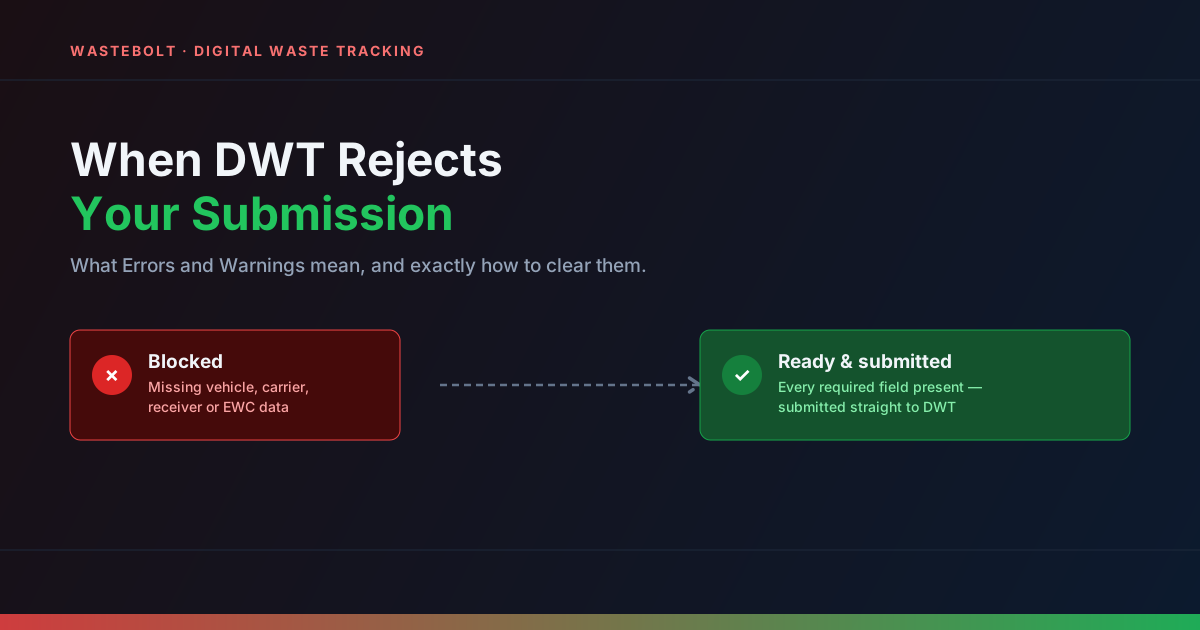
Errors block submission outright. A required field — usually a vehicle registration, a carrier or receiver reference number, or an EWC code — is missing, and DWT won't accept the record until it's filled in.
Warnings don't block anything. They flag something worth a second look — an unusual reason code, for instance — but you can submit straight past them if you're confident the record is correct.
Clicking either badge on the Digital Waste Tracking page expands the specific issue right there on the row, so you don't need to go hunting through the record to work out what's wrong.
The Errors We See Most Often
In practice, almost every blocked record comes down to one of a handful of things:
- Missing vehicle registration — add it in the WTN's transfer details and re-save.
- Missing carrier registration or licence number — this lives on the carrier's entry in Pick Lists, not on the WTN itself, so it's a one-time fix per carrier.
- Missing receiver permit or authorisation number — same idea, set it once on the consignee's Pick List entry.
- Missing receiver email or address — DWT needs full contact details for the receiving site.
- Missing EWC code — every submission needs one; if you're importing from a weighbridge, an Import Template can assign it automatically based on waste type.
- Zero or blank weight — check the net weight field before resubmitting.
Fix the underlying field, re-save the record, and refresh the DWT page — the badge updates based on the record's current saved state, so a stale error will clear once the fix has actually been saved.
Avoiding Rejections Altogether
The fastest way to stop seeing Errors is to get the recurring details set up once rather than fixing them record by record:
- Set your Legislative Country in Profile Settings — this determines whether you're submitting to the EA, SEPA, NRW, or NIEA.
- Add your own carrier licence number and environmental permit or exemption number under Profile Settings → Compliance Details.
- Add every regular consignee's permit number, email, and address in Pick Lists — once entered, it's pulled into every future WTN with that receiver automatically.
- Make sure every waste stream you handle has an EWC code attached, either directly or via an Import Template if the data's coming from a weighbridge.
Do this once for your regular carriers, consignees, and waste types, and the overwhelming majority of future records go straight to Ready with nothing to fix.
Editing After Submission
If you spot a mistake after a record has already been submitted, you can still edit it. WasteBolt flags it as "Edited — Resubmit," and resubmitting sends the corrected data through against the original DWT reference, so it updates the existing record rather than creating a duplicate.
Where to Go From Here
If you're setting up Digital Waste Tracking for the first time, our DWT submission guide walks through the full process end to end, and our required-information checklist lists every field DWT expects, required and optional. If your weighbridge data is the source of your missing fields, our Import Templates guide covers how to fill gaps like EWC codes automatically on import.